
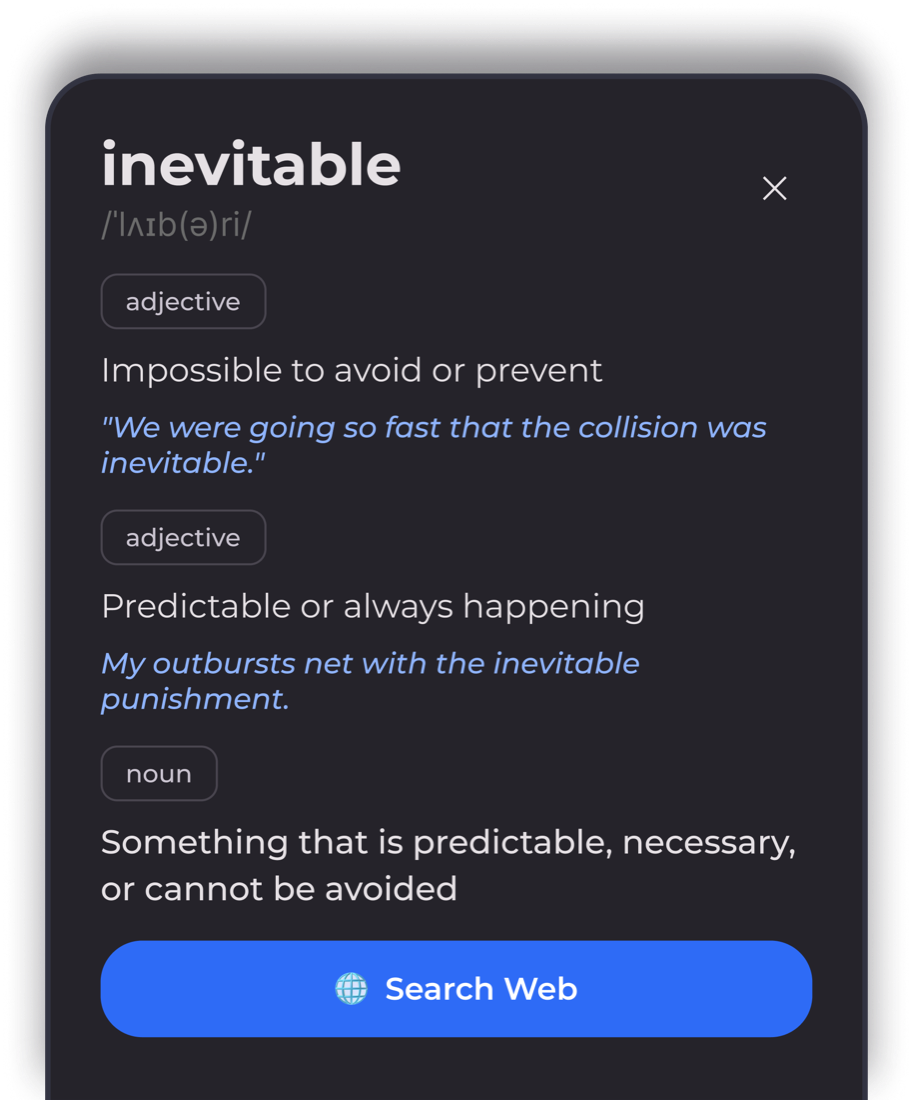
Long-press for a definition
The meaning comes up over the page. No browser, no tab to close, and you keep your place.
BookSkim is an EPUB reader for Android. Turn on Fast Skim and the start of every word goes bold. Your eye has something to land on, so it stops sliding back over the line you just read.
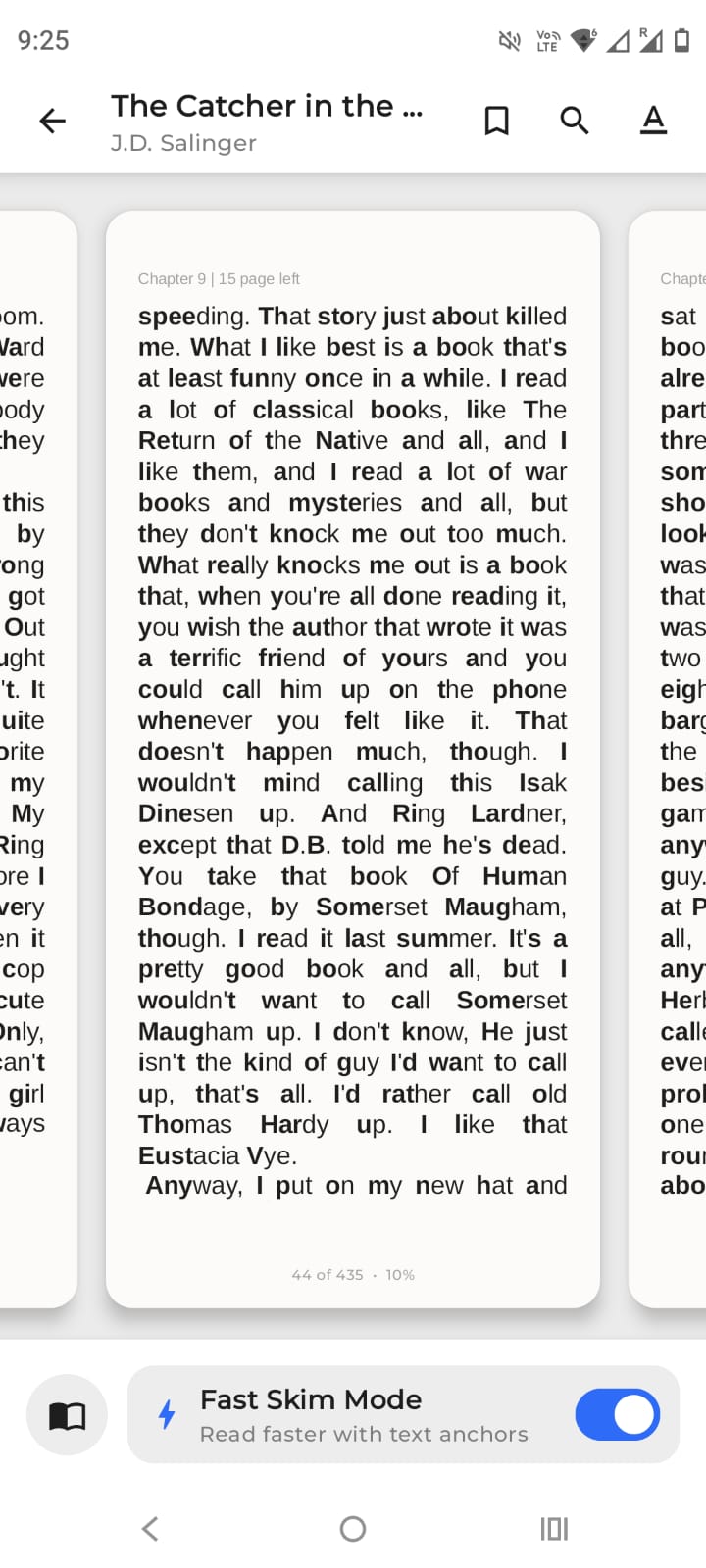
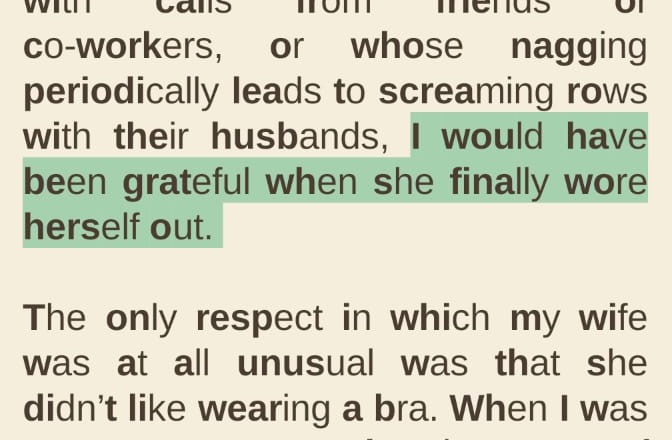
Flip the switch and read the paragraph twice, once each way.
On an exceptionally hot evening early in July a young man came out of the garret in which he lodged in S. Place and walked slowly, as though in hesitation, towards K. bridge.
The bold prefix gives your eye a fixed point on every word. It reads faster for some people and does nothing for others, which is why it is a switch and not the default.
off for poetry, on for textbooks
Everything else it does
You spend most of your time in the ordinary parts of a reader. Those work too.
The meaning comes up over the page. No browser, no tab to close, and you keep your place.
Mark a passage and it goes in a list you can come back to.
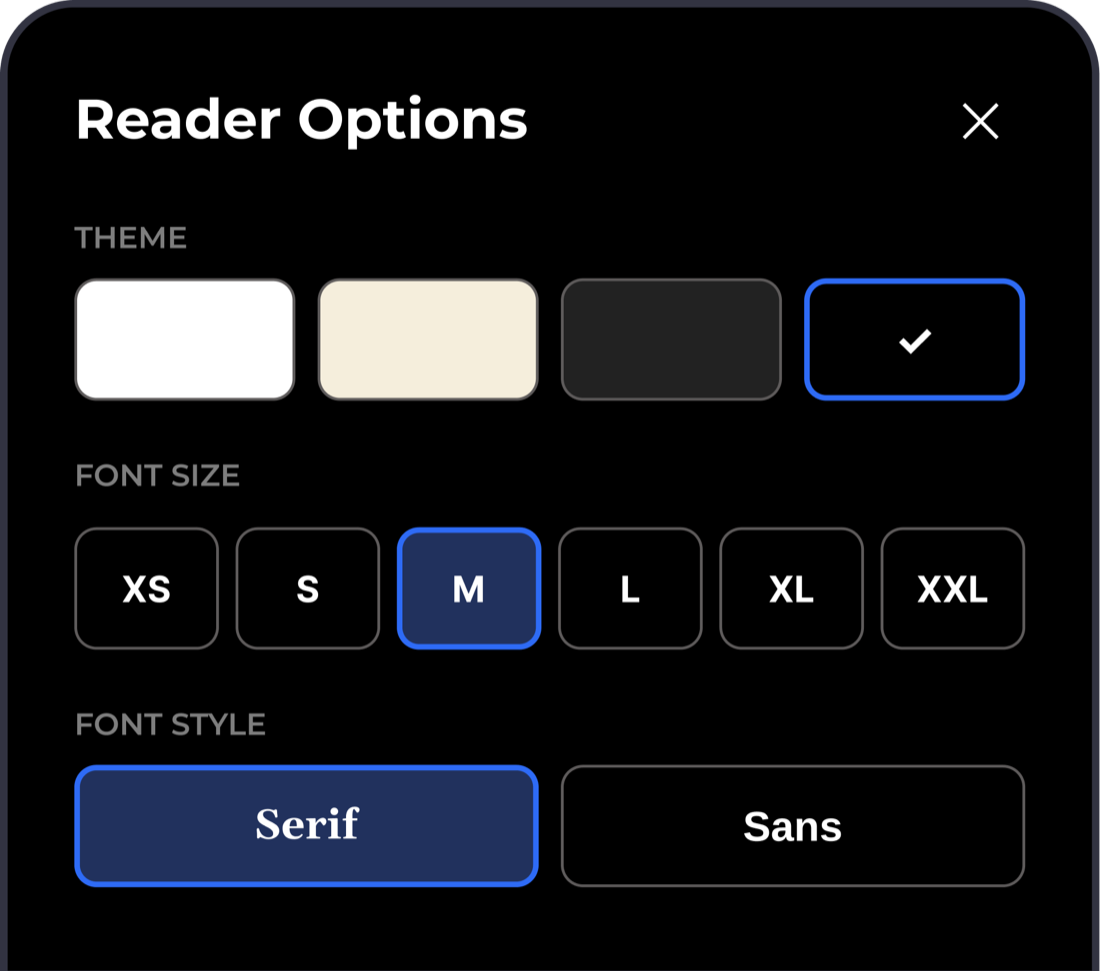
Light, Sepia, Dark and a true-black one that turns the pixels off. Serif or sans, any size.
the dots up top change this page too
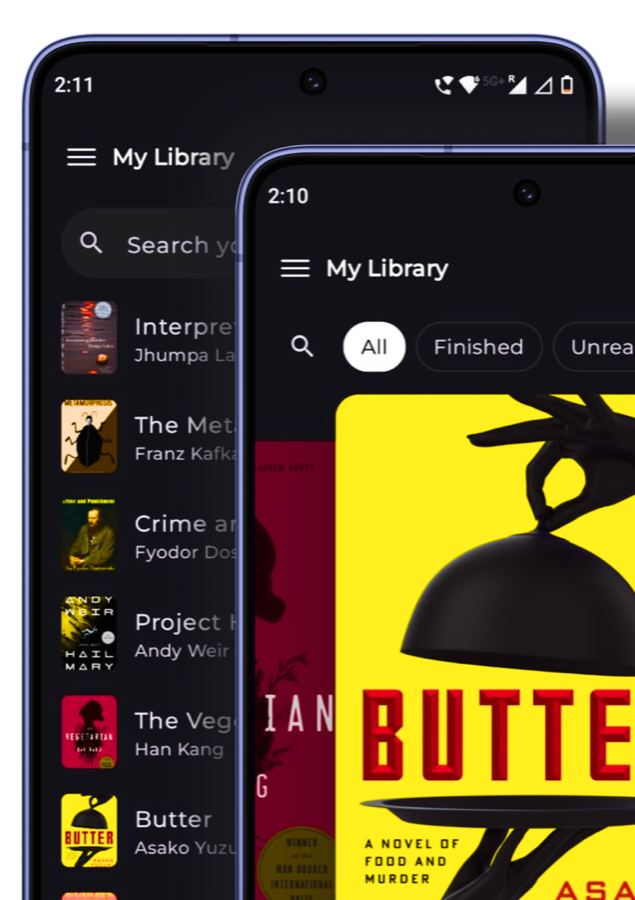
Open an EPUB from your files or your downloads folder. Chapters, images, table of contents and full-text search all work.
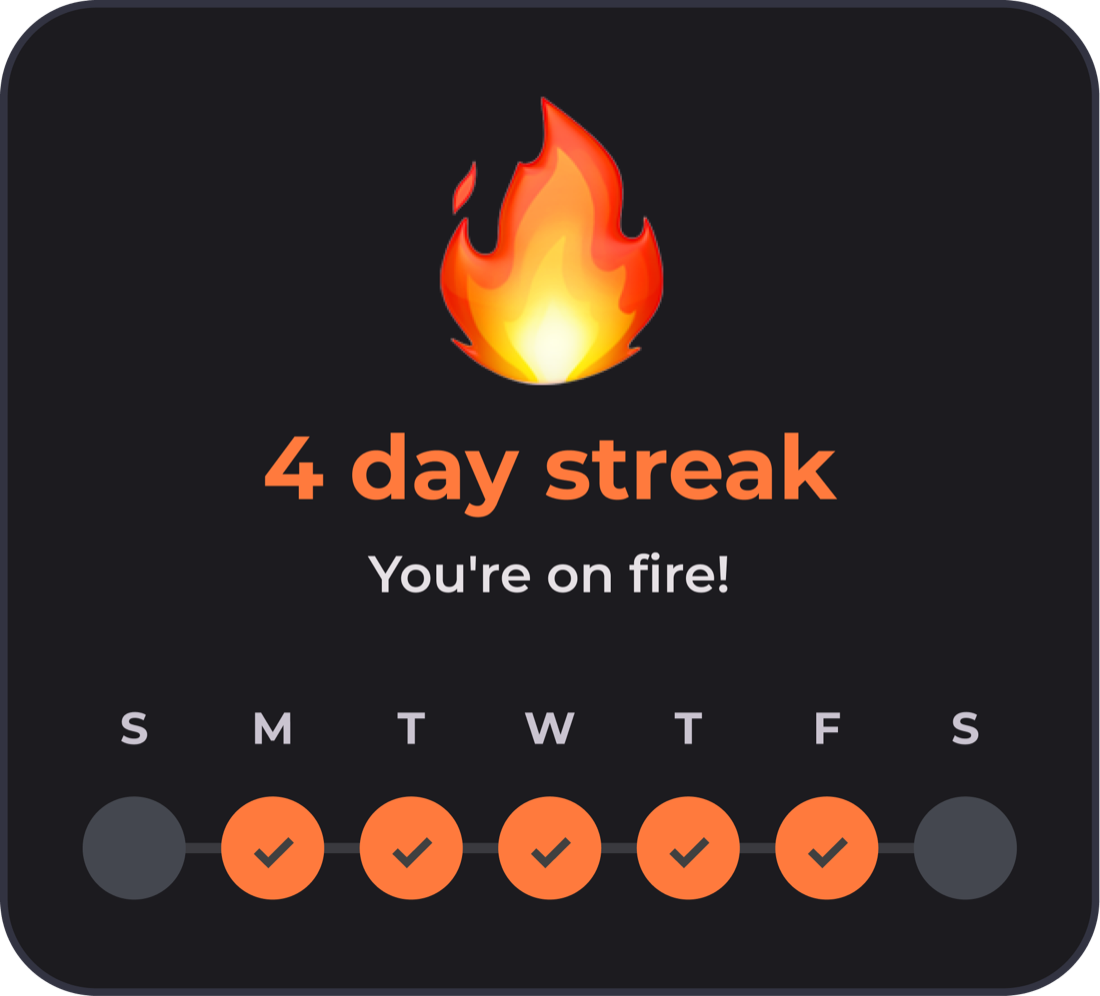
It counts the days you read and the time you spent. There is no leaderboard, no feed, and nobody else can see it. Just you and the number.
Why it stays quiet
No sign-up screen. No ads. No notification asking where you went.
Before you install
It bolds the first few letters of every word, so your eye has a fixed point to land on instead of drifting back over the line. Nothing but the type changes. Turn it on or off per book, whenever you want.
EPUB files you already have. Import one from your device and it lands in your library. There is no store to buy from and no DRM server to check in with.
Yes. No price, no ads, no subscription, and nothing locked behind a paid tier.
Everything except two things. Reading, highlights, bookmarks, themes and stats all work with the SIM out. Only the dictionary lookup and web search need a connection, and only when you tap them.
On your phone. There is no account to make and nothing syncs anywhere. Uninstall the app and it all goes with it.